
Chrono in Unreal, part 5: tracks, spray, droplets and what they cost
The physics in part 2 computes forces, sinkages and rotational speeds. At first none of it becomes visible. This part is about the simple effects that bring the numbers into the image: tracks, spray, droplets on the windscreen, the wing mirror. And about what they cost, because at the end of the day the frame rate was the topic, not the physics. The series: part 1, part 3, part 4, part 6, part 7, part 8, part 9.
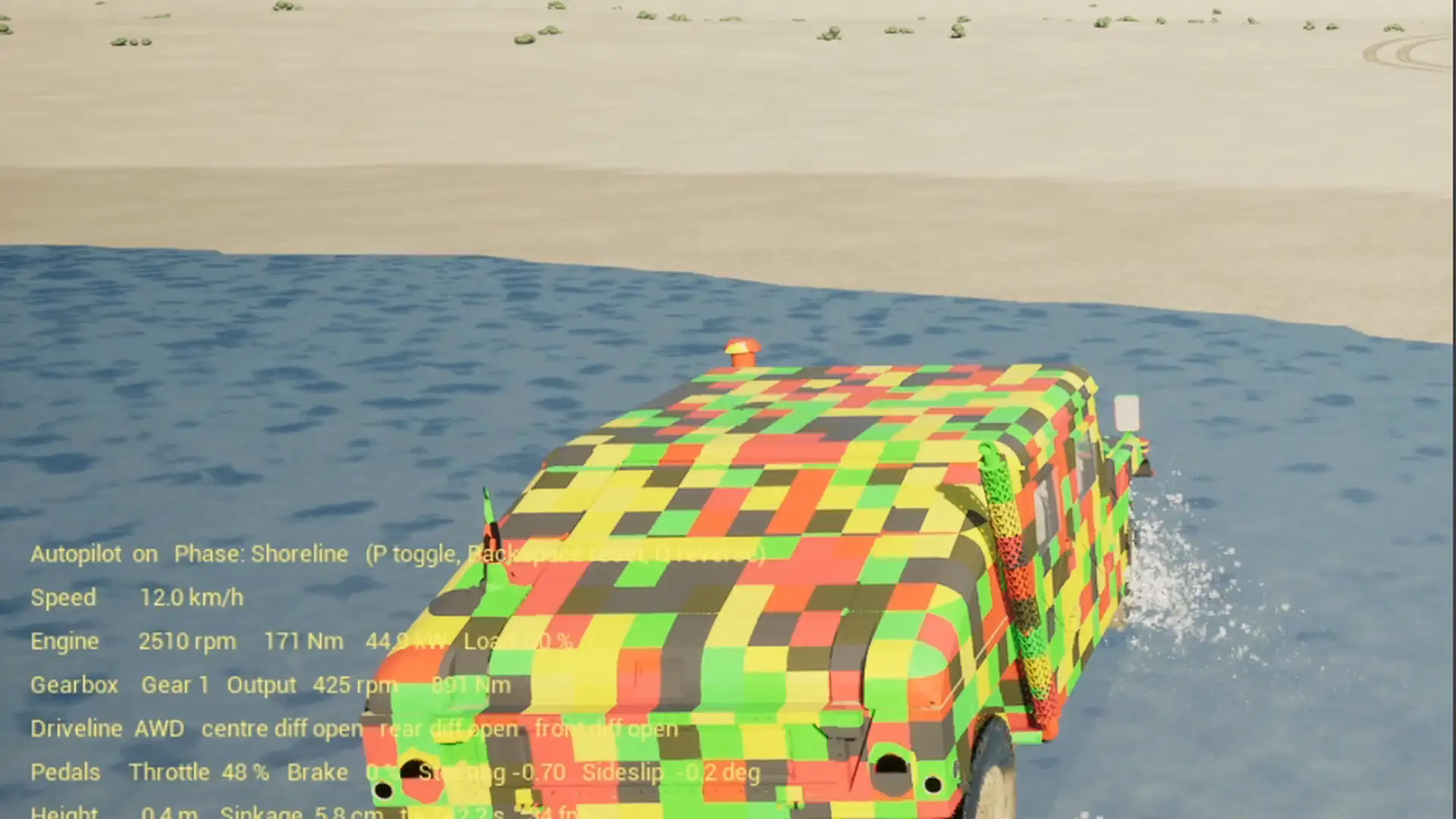
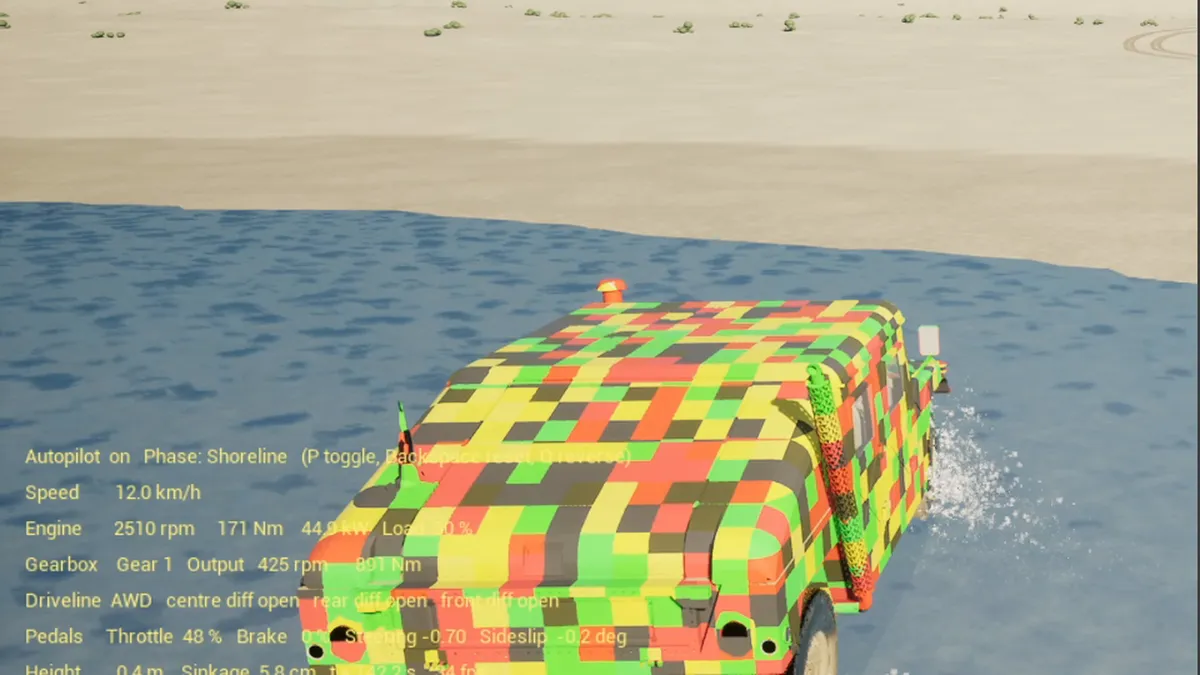
The demo the series is about. On YouTube in 1080p the console is readable.
The rule
Every effect hangs on a quantity Chrono® computes anyway. No particle system runs because the car is driving, but because a particular wheel with a particular tread speed sits in a particular ground. That does not make the effects prettier than a bought particle pack, but they are correct: a spinning wheel sprays while standing still, a wheel in the water throws water, one in the sand throws sand, and the track lies where the wheel was.
Tyre tracks
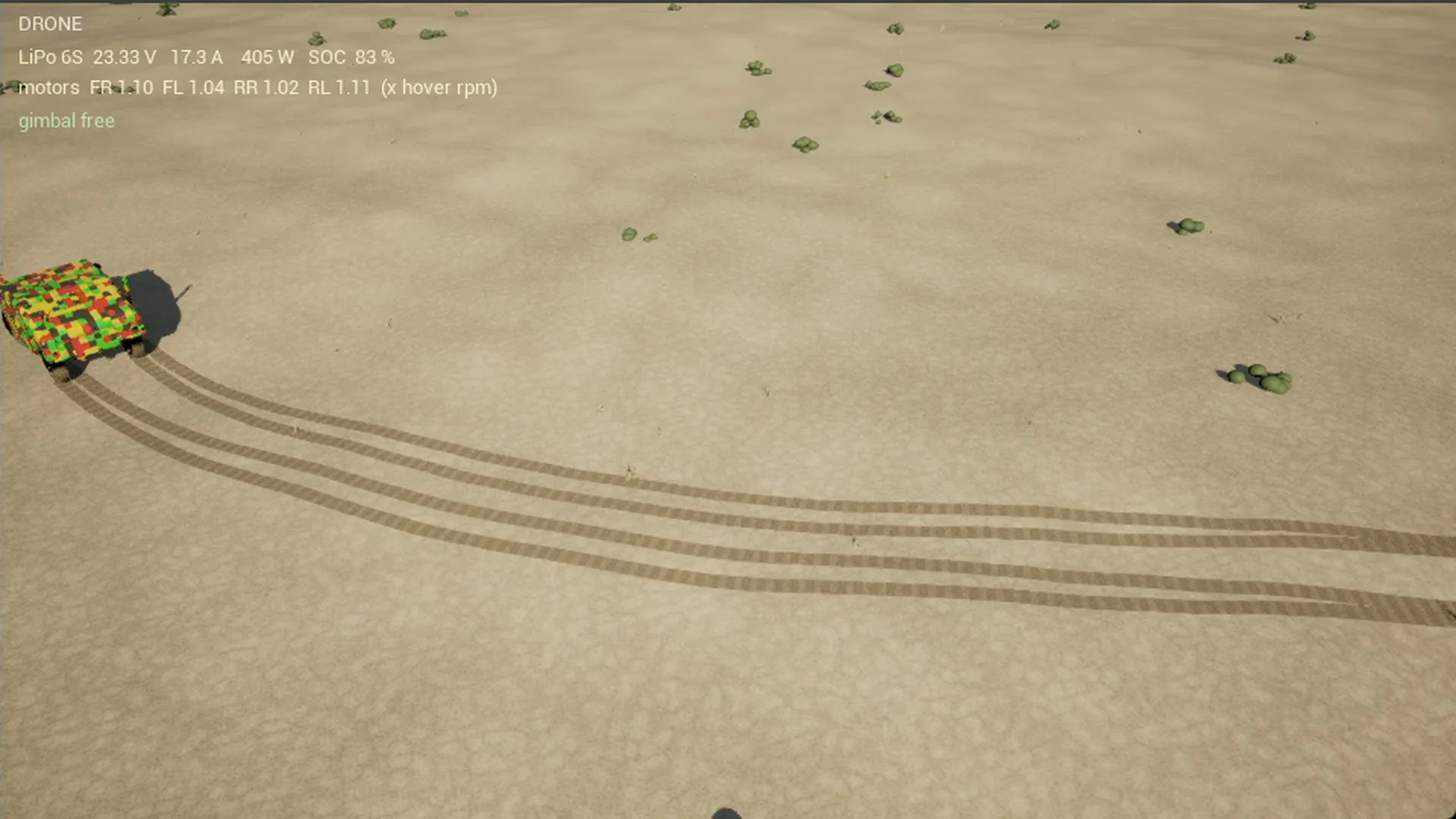
The tracks are Decals, every 28 cm along the actual wheel path, per wheel. The spacing comes from the distance the wheel has covered, not from time, so that the track has no gaps at any speed and a circle crosses its own track cleanly. After 120 seconds the oldest are discarded. That was 300 at first, and the number of Decals in the image was one of the items pushing the frame rate down.
What the tracks do not show: the deformation itself. The Soil Contact Model knows the sinkage of every soil node, and one could build the rut from it as geometry. That is on the list and would be the more honest effect, because it shows the physics instead of drawing it.
Spray and sand
Spray consists of Instanced Meshes, small droplets of 3.5 to 9 cm, up to a few thousand at once. Per wheel a rate is determined from the tread speed, so a wheel that is turning sprays even when the car is standing still. The strength depends on the ground under the wheel: full in the water, a third on wet sand, as dust on dry sand, and there more the deeper the wheel sinks in.
The direction follows the tread: if the wheel rolls forwards, the spray goes slightly forwards, in reverse gear slightly backwards. Some of the droplets from the front wheels go over the bonnet when driving forwards. All of them fly on parabolas under gravity. On the water entry after the jump there is an additional surge, triggered on the edge when a front wheel enters the water at more than 8 m/s.
A detail that concerns a wheel deep below the surface: it does not spray. A tyre 55 cm below the water level throws no spray up to the surface, and otherwise the vehicle floating with turning wheels looks like a fountain.
Droplets on the windscreen
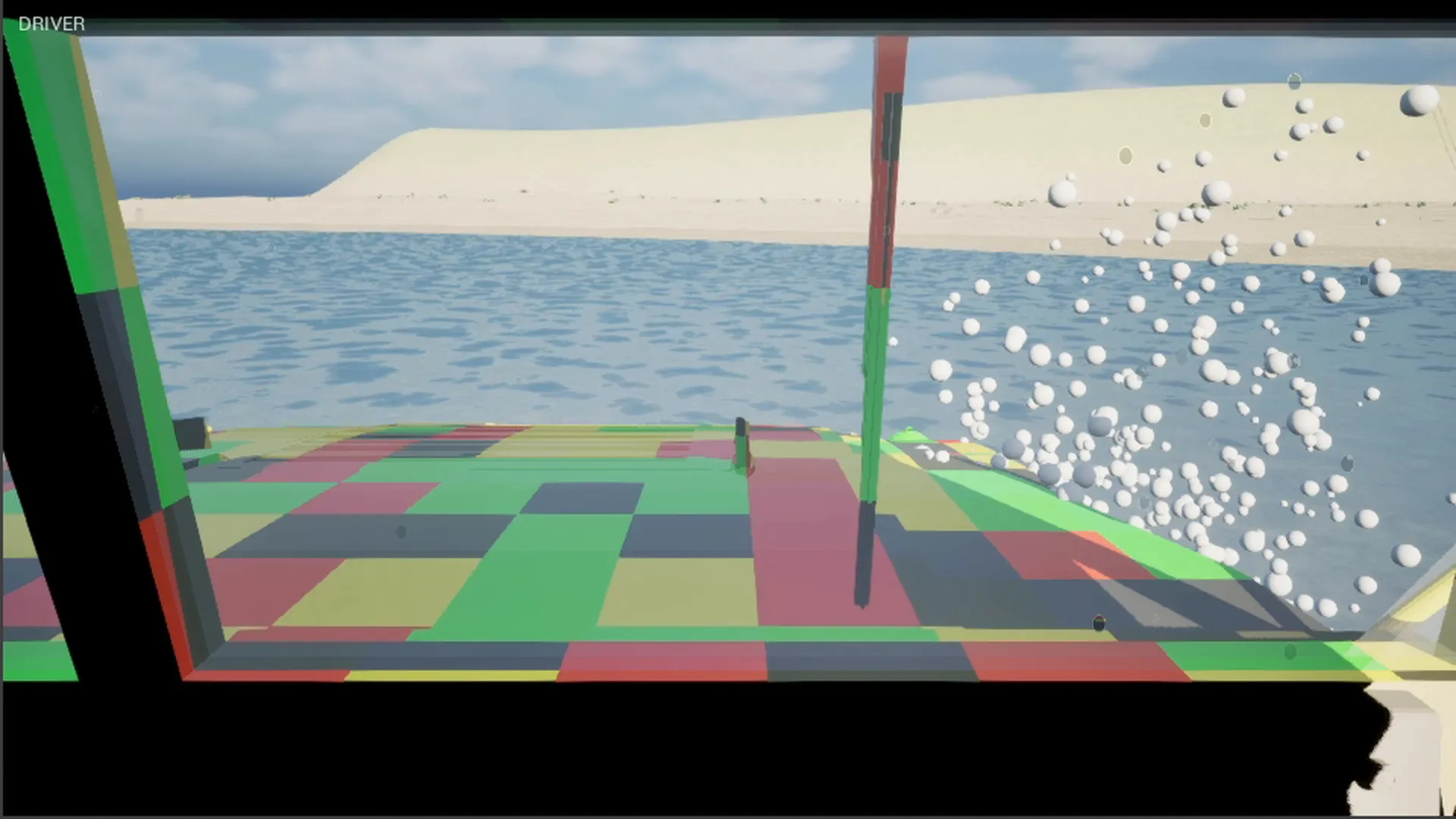
The driver view is a Render Target that the HUD shows as an image. The droplets are drawn over it, and only when a front wheel is running in the water, more on the side of that wheel. They sit still where they landed and fade after two and a half to five seconds. No running down with gravity and airstream, that was tried and switched off again: at the size at which you see the running, the droplets look like spheres, and a droplet on glass is not a sphere but a flat wetting.
The optical effect is the point: a droplet is a lens. A material shows, in every droplet, the driver view behind it reduced and mirrored, with a thin bright rim, and the rest of the windscreen stays clear. The material gets the Render Target and, per droplet, the section the lens images.
And here came the bill: every lens droplet is its own material call with its own material instance, around 50 microseconds on the game thread. At 400 droplets that is 20 milliseconds, and the water phases fell to 24 frames per second while the graphics card was at 12 ms. Now only the large droplets get the lens, at most a hundred, the small ones a flat texture that the engine draws in a bundle. At three to six pixels you do not see the difference.
The wing mirror
A mirror in this engine is not a reflection but a camera of its own: a Scene Capture component renders the scene one more time into a Render Target on a surface on the vehicle, with landscape, vegetation, water, spray, shadows. Screen Space Reflections are not enough, because what would be visible in the mirror lies behind the camera and is therefore not in the image.
The split screen already had three views: main camera, driver view, drone. A fourth one for a wing mirror would have taken too much time to keep the frame rate constantly above 60, so the mirror is gone. The two additional views that remain already run reduced: without global illumination, without reflections, without fog, the driver view only every second frame.
The coastline
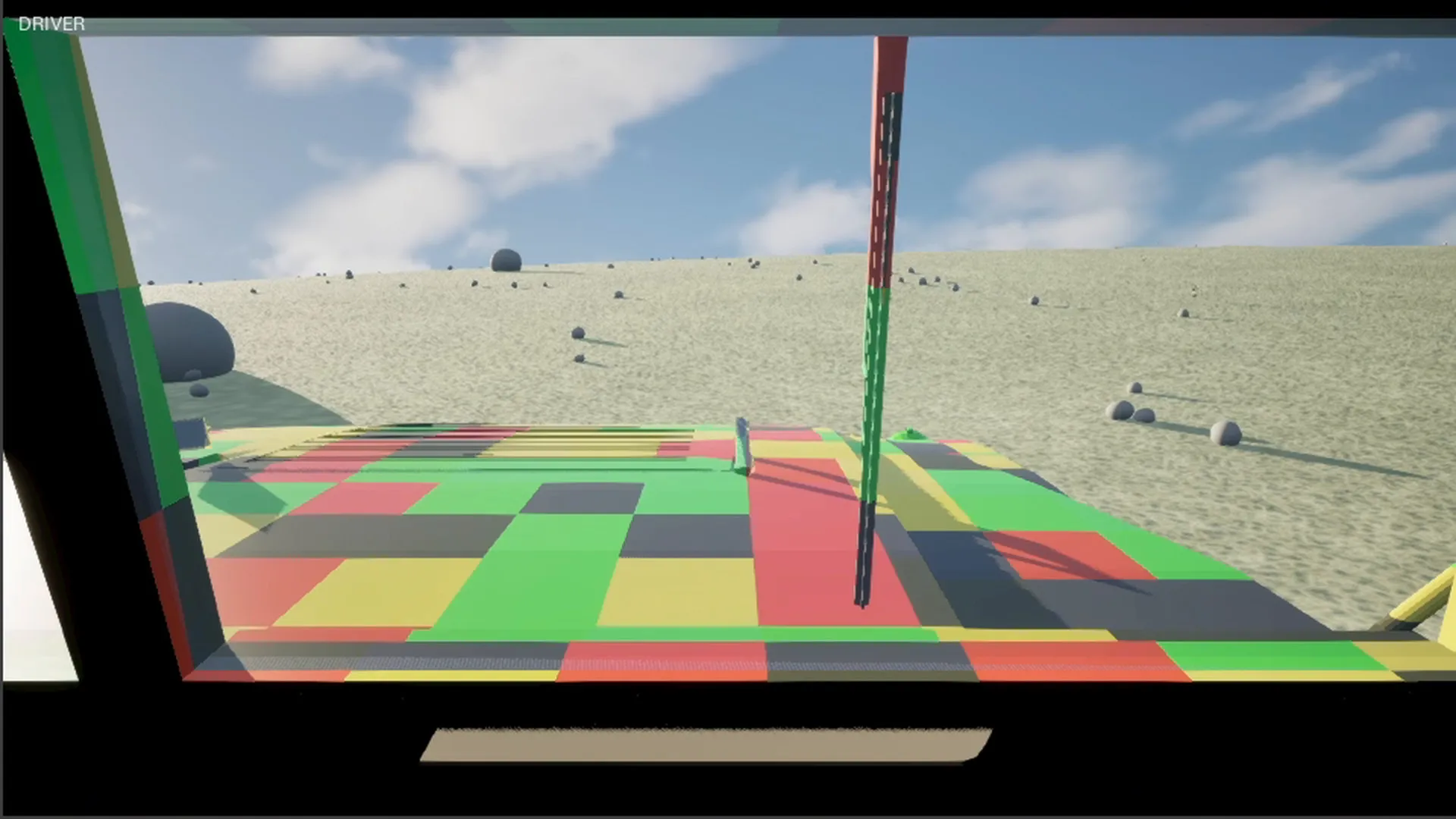
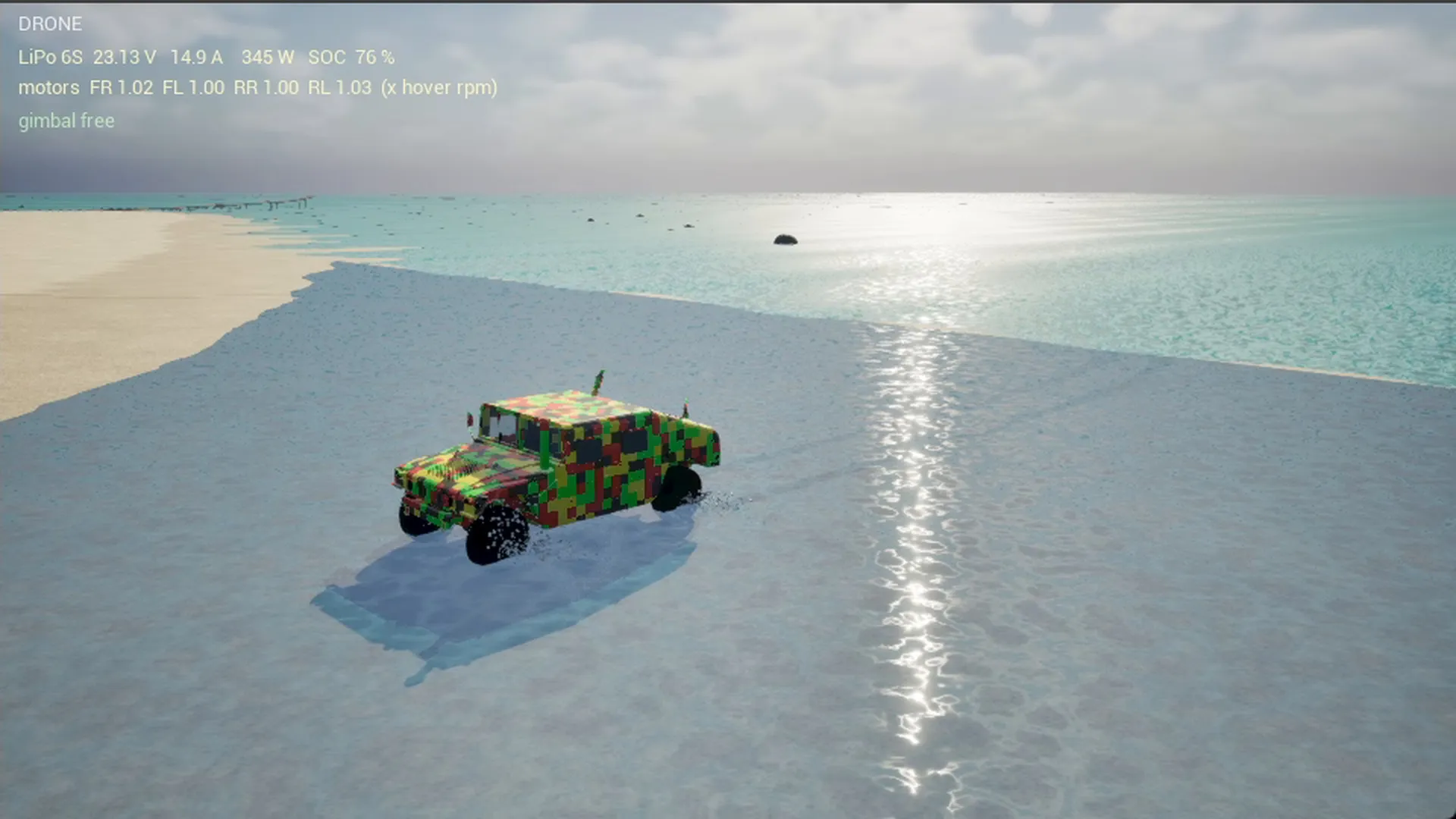
The sea was at first a wave grid off the north beach and a flat plane behind it. The video showed three zones: the moving water, then a darker band, then sky, “you can see the end of the world”. The band was the reflection of the flat plane, which has no normals. Now there are two grids: the near one with 166 by 101 points on a 2 metre raster over 330 by 200 metres, set anew every frame, and a coarse one with a 12 metre raster out to 1.5 kilometres, updated only every second frame, because nobody sees 30 Hz on waves 200 metres away. The normals come analytically from the wave function, not from neighbour differences. The near rectangle is snapped to the coarse grid’s raster, otherwise a strip of sand remains between the two, and the flat plane leaves out the coarse grid’s rectangle, otherwise two translucent surfaces lie on top of each other. Under everything a seabed plate five metres down, so the water beyond the island has a colour.
The light of the night, exposure, moon, stars and the boat’s lights, has a part of its own, part 8, part 9.
What it costs
The measurement runs over one log line per second with mean and maximum frame time, GPU time and Chrono time. The intermediate states are measured on the north beach, the two rows on the state of the demo are averages from the log of the shown run, 1920 by 1080, Ryzen® 5 7600 and GeForce RTX® 5070.
| Configuration | GPU per frame | Chrono per frame | Frame rate |
|---|---|---|---|
| Starting point with Lumen, mirror, three additional views | 24 ms | 8 to 12 ms | 30 to 40 |
| Without Lumen, Screen Space Reflections | 17 ms | 8 to 12 ms | 50 |
| Without the three additional views | 16 ms | 8 to 12 ms | 60 |
| State of the demo, course and dune | 12 ms | 13 ms | 57 |
| State of the demo, north beach and water | 13 ms | 14 to 15 ms | 48 to 51 |
| 400 lens droplets with their own material call | 12 ms | 18 ms | 24 |
Three things stand out. First, Chrono on the CPU, at 12 to 15 ms per frame, that is nine sub-steps of 2 ms at 54 frames per second, was never the problem and was never touched. Second, every view is a whole scene: the three additional views together cost around 8 ms before they were reduced, more than the physics. Third, an effect that costs nothing on the graphics card can stall the game thread, like the droplets. The frame time alone then does not say where it is stuck, only the comparison of GPU time, Chrono time and the rest does.
The row with the 18 ms of Chrono in the last configuration is a lesson too: Chrono had not become slower, it had more to do. A frame of 42 ms needs 17 sub-steps instead of eight so that the physics keeps up with the clock, and so an effect on the game thread doubles the physics time along with it. The physics time per frame is a consequence of the frame time, not only a cause.
What carries the canopy above the boat as a model, with line, pilot and wind, is shown in part 6.
Keywords: Unreal Engine tyre tracks Decals, spray Instanced Meshes, windscreen droplet material, Scene Capture mirror cost, Render Target performance, Unreal Engine 5.8 performance, vehicle simulation effects, serious gaming, simulation consulting Switzerland, swissEmbedded
Effects that match the physics, and a frame rate that holds? We build visualisations that arise from simulation quantities, and we measure what they cost before anyone sees them.
Unreal® and Unreal Engine® are trademarks or registered trademarks of Epic Games, Inc. in the United States of America and elsewhere; these articles are neither endorsed nor reviewed by Epic Games. Project Chrono is an open-source project of the University of Wisconsin-Madison and Politecnico di Milano under the BSD-3 licence.